
Kwikset SmartCode 270 Capetown | What Makes It Different

Kwikset SmartCode 270 Capetown Deadbolt Lock | A Contractors Take
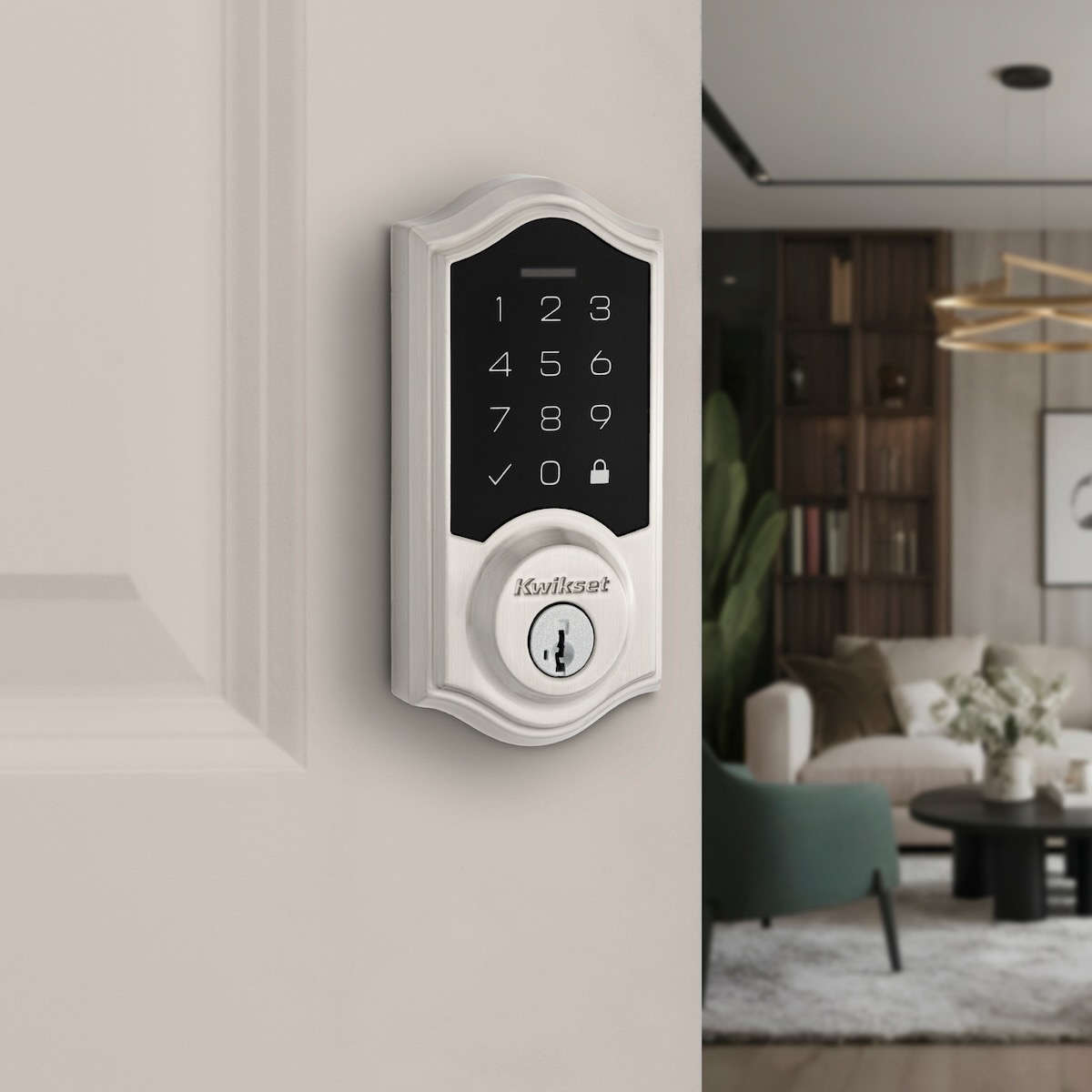
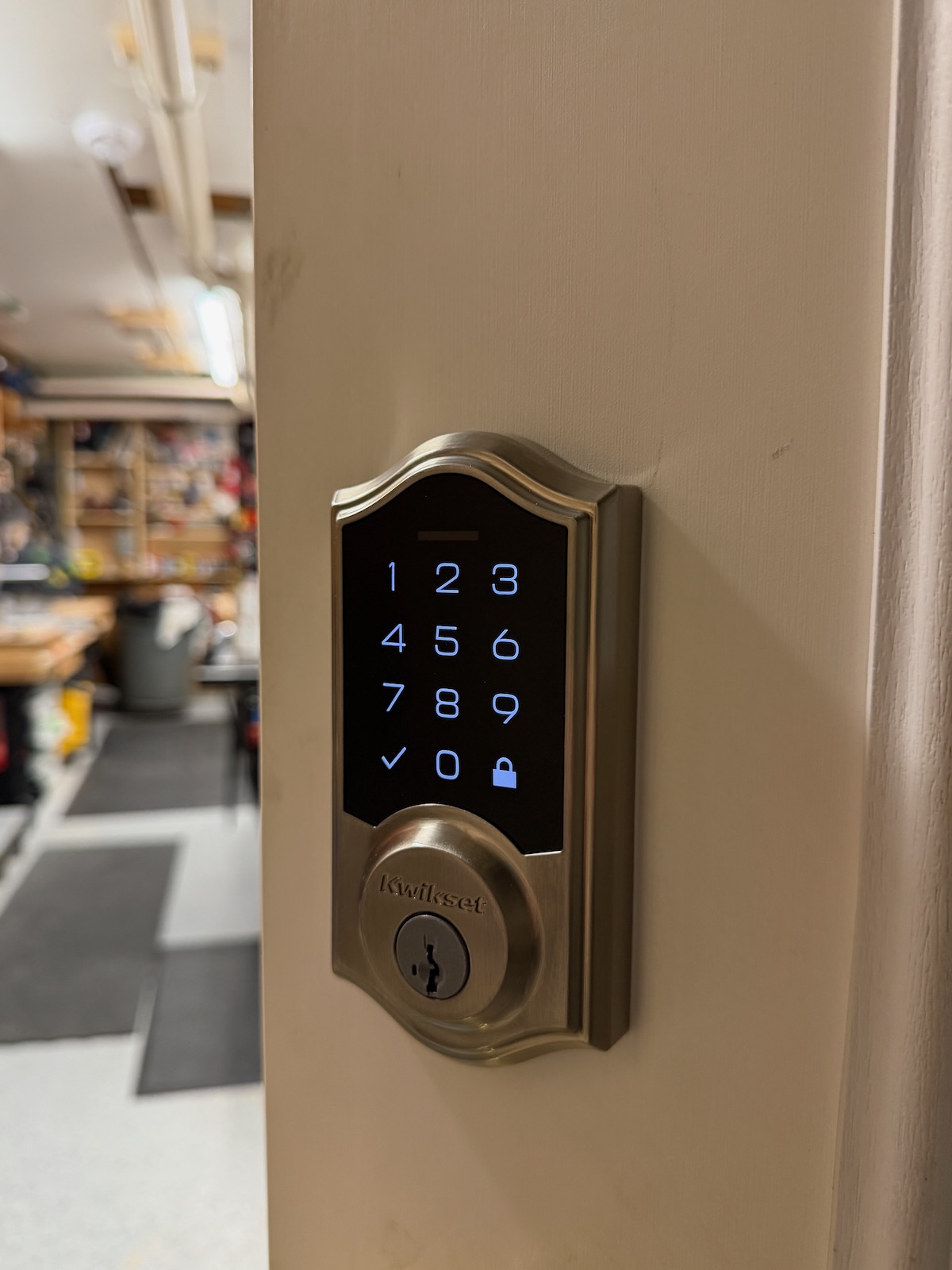
As a contractor, I see more and more people gravitating toward keyless entry points on their homes and outbuildings. Keyless entry, like this Kwikset SmartCode 270 Capetown has shifted from a luxury to a standard.
Homeowners realize keyless access isn’t just about ditching keys, it simplifies daily routines, eliminates lost-key headaches, and gives secure, controlled access to family members.
Homeowners also want keyless convenience, but they also care about classic styling and bulletproof simplicity. Kwikset is targeting that exact sweet spot with their SmartCode 270 Capetown Electronic Deadbolt. It’s an electronic lock offering keyless entry without forcing you to manage Wi-Fi hubs, Bluetooth pairing, or smartphone apps.
Here’s a breakdown of the Kwikset SmartCode 270 Capetown, who it’s actually for, and what to watch out for when installing it:
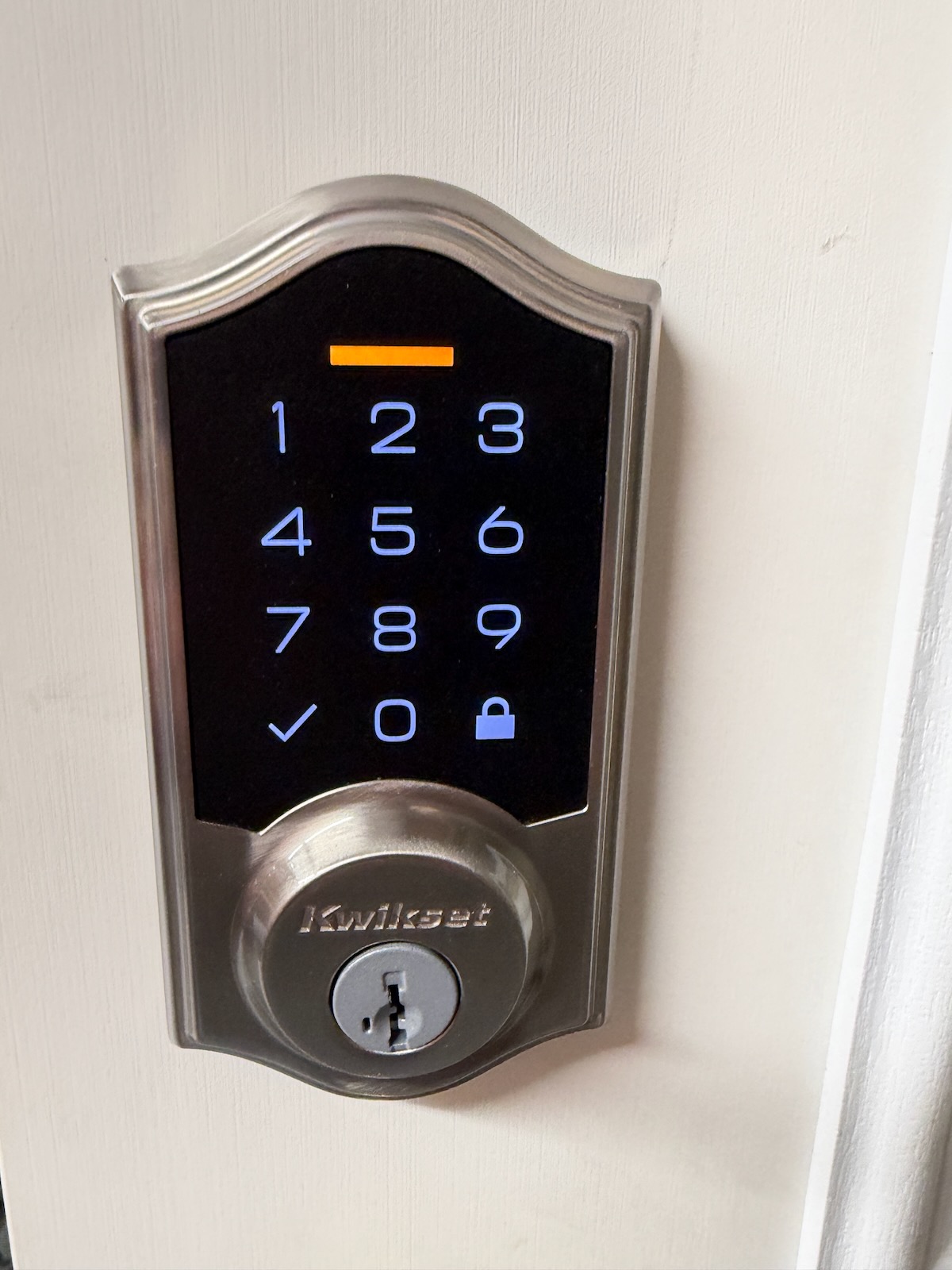
Specifications and Features | Kwikset SmartCode 270 Capetown
• Grade 2 BHMA Certification: Certified for solid residential security and durability (tested up to 2.5x stronger than basic builder-grade Grade 3 hardware).
• Stand-Alone Keypad Access: Program up to 50 custom user codes, 10 one-time guest codes, and 1 master code directly on the door.
• Auto-Lock Customization: Can be set to automatically lock behind you after 30 seconds, 1 minute, 3 minutes, 5 minutes, or 10 minutes.
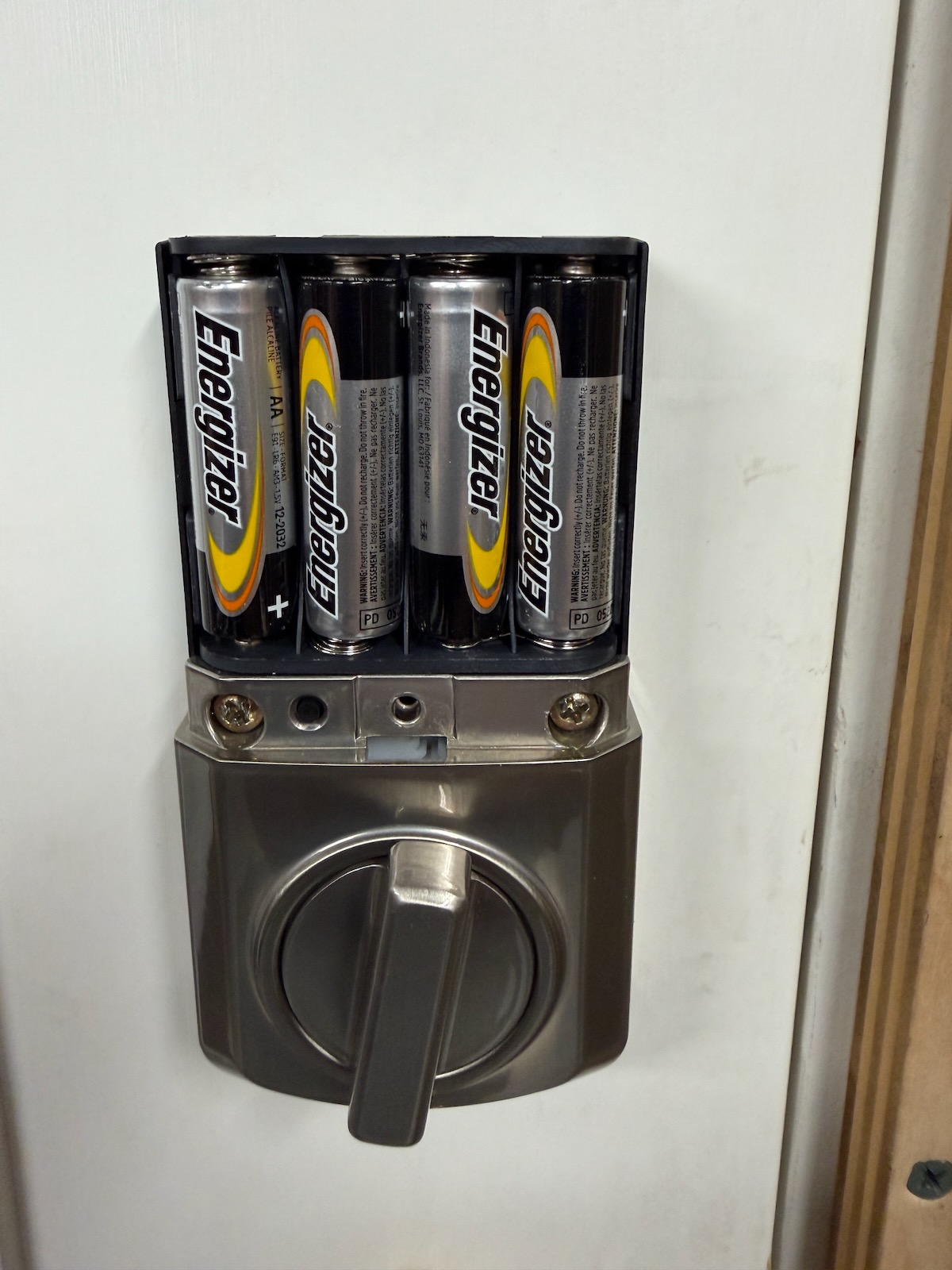
• Simple DIY Installation: Runs on 4 AA batteries (approx. 1-year battery life). No wiring required—just a Phillips screwdriver.
• SmartKey Security®: Allows you to re-key the cylinder yourself in seconds to match your existing Kwikset house keys.
• Price: $128
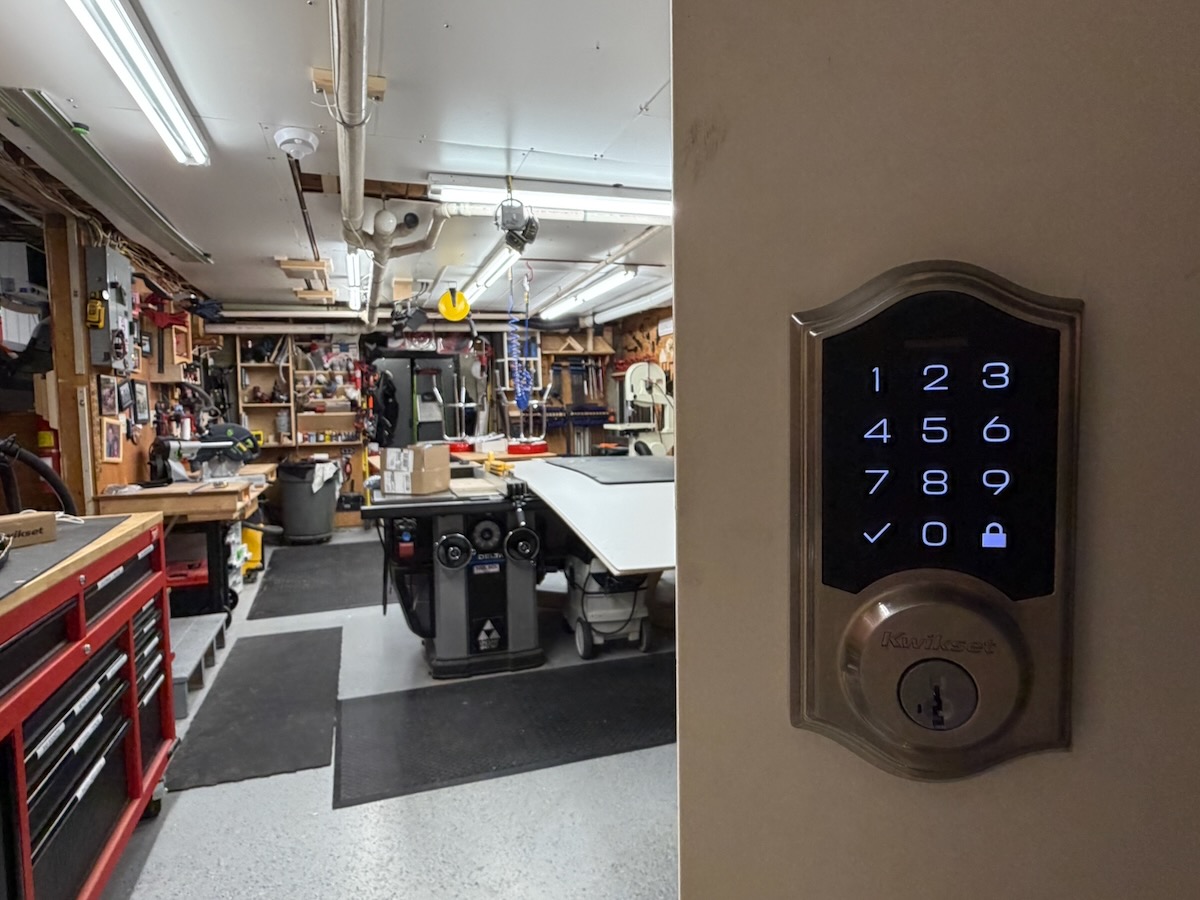
Who In Our Audience Wants the Kwikset SmartCode 270 Capetown
We see three types of folks that will gravitate toward the Kwikset Smartcode 270.
The Workshop Access:
That’s me, this lock is a home run for a shop access door. When you’re carrying armfuls of lumber, sheets of plywood, or heavy tools out to a truck, you don’t want to dig keys out of work pants and you certainly don’t need app notifications or Wi-Fi alerts every time you step into the shop. At $128, it gives you keyless access and solid security without wasting money on smart features you’ll never use in a workshop.
The “Keep It Simple” Homeowner:
That’s also me, but many OLDER [anti-computer or Ap] people I know. These people want simple keypad access for unloading groceries or letting kids in after school, but explicitly do not want their front door tied to a smartphone app or internet connection.
The Landlord:
Like higher end locks, this lock supports 50 user codes and 10 single-use codes without needing internet access at the property.
You can hand a sub-contractor or helper a code and delete it later directly on the keypad.
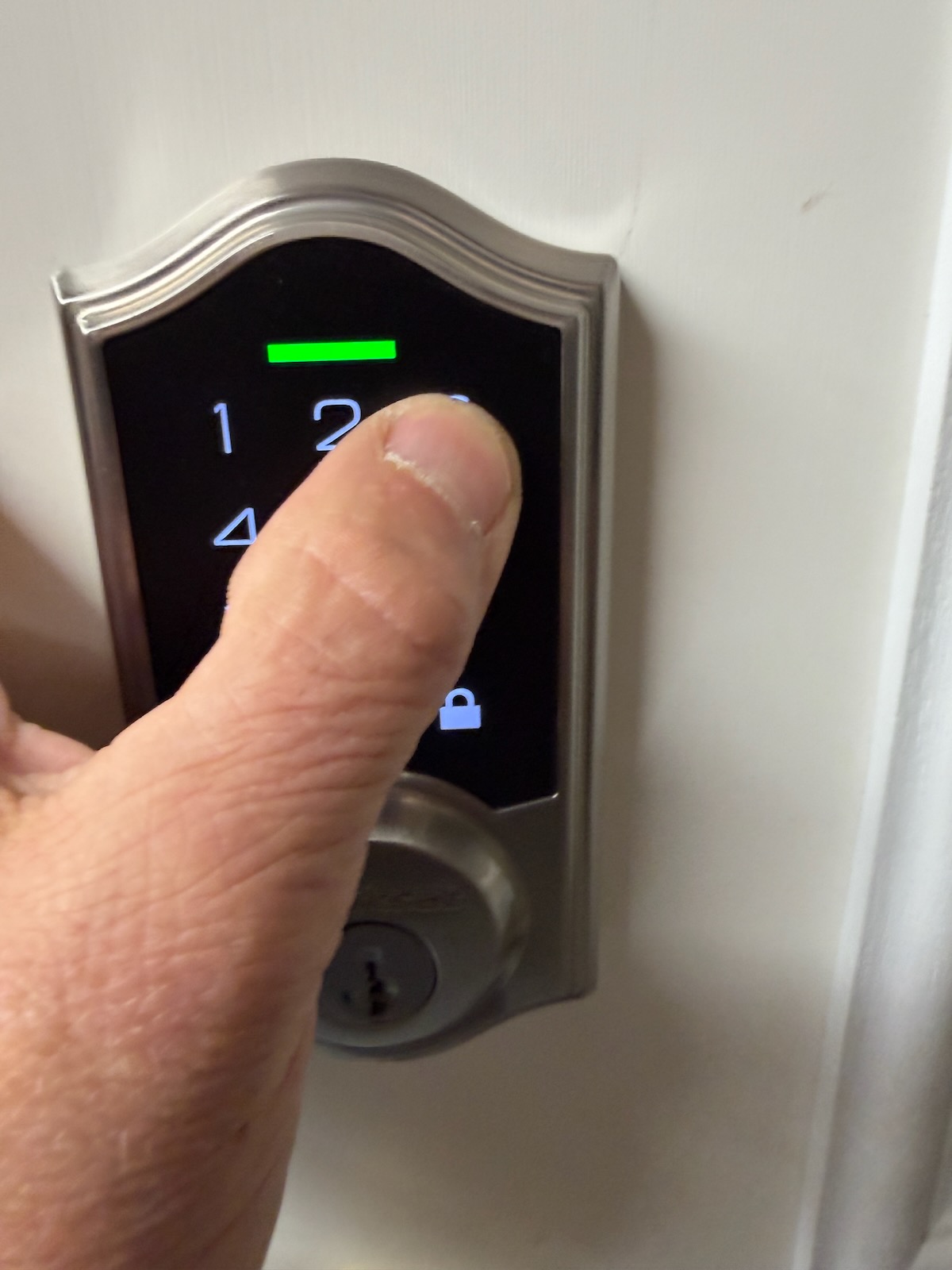
What I like about the Kwikset SmartCode 270 Capetown
Kwikset hit the nail on the head by designing this lock alongside their Capetown mechanical levers, making it easy to grab a matching lock-and-lever combo pack for a clean, cohesive entry upgrade that looks right. Since there’s no Wi-Fi module built into this unit, you won’t waste time dealing with app connectivity glitches, dropped network signals, or waiting around for firmware updates to download. Best of all, Kwikset SmartCode 270 Capetown feature is a massive time-saver on the job site or around the homestead—it lets you re-key the new deadbolt to match your existing house or shop key in about 30 seconds, keeping extra keys off your ring and saving you a bundle in locksmith fees.
What’s The Downside on the Kwikset SmartCode 270 Capetown
On the downside, you get zero remote access with the ,Kwikset SmartCode 270 Capetown meaning you can’t lock or unlock the door from your smartphone while away or double-check if you remembered to lock up before calling it a night.
Like most motorized higher-end deadbolts, it’s also sensitive to door alignment—if your door shrinks or swells with seasonal weather changes or your strike plate isn’t lined up dead-center, the motor will strain, throw an error, and bind up.
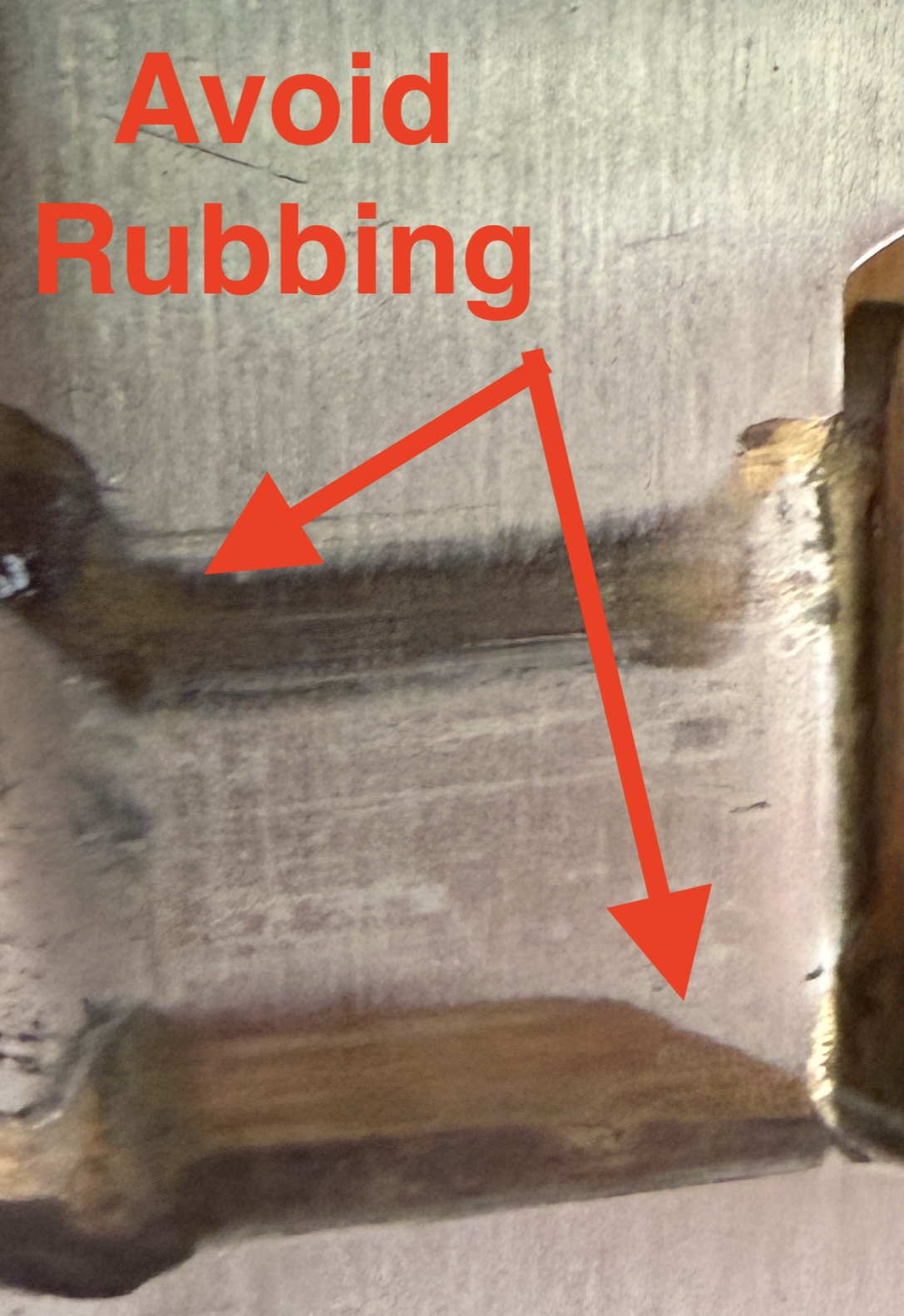
You’ll want to make sure your door latches easily and smoothly [no rubbing] before mounting the hardware.
Finally, keep battery dependency in mind: while Kwikset rates the battery life for a full year, cold shop environments or a binding deadbolt will drain those four AA batteries much faster, so it’s smart practice to keep a physical backup key just in case. I personally have a key lockbox hidden in my shed just in case.
Concord Carpenter Overall Thoughts
If you want to ditch physical keys on your front door or workshop without dropping $250+ on complex smart tech, and subscription costs then the Kwikset SmartCode 270 Capetown hits the price point and functionality right on the head. Just ensure your door jamb and strike plate are square during installation, so the deadbolt throws smoothly without grinding the motor.