
Ring Floodlight Cam Pro (2nd Gen) Review
 Review)
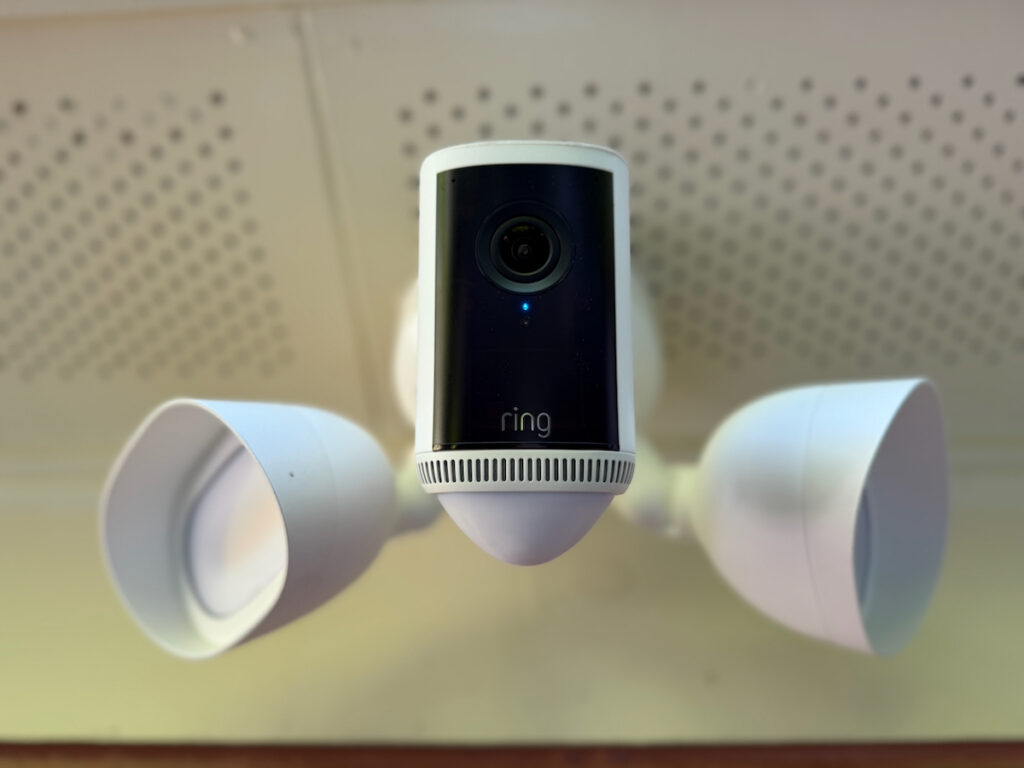
Hands-On: Ring Floodlight Cam Pro (2nd Gen) Review
Most security cameras are just reactive system. They record grainy footage of a person in a hoodie after the damage is done. This Ring Pro unit is built to be a proactive deterrent, designed to stop a problem before it gets to your front door.
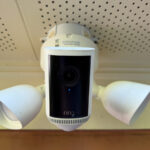
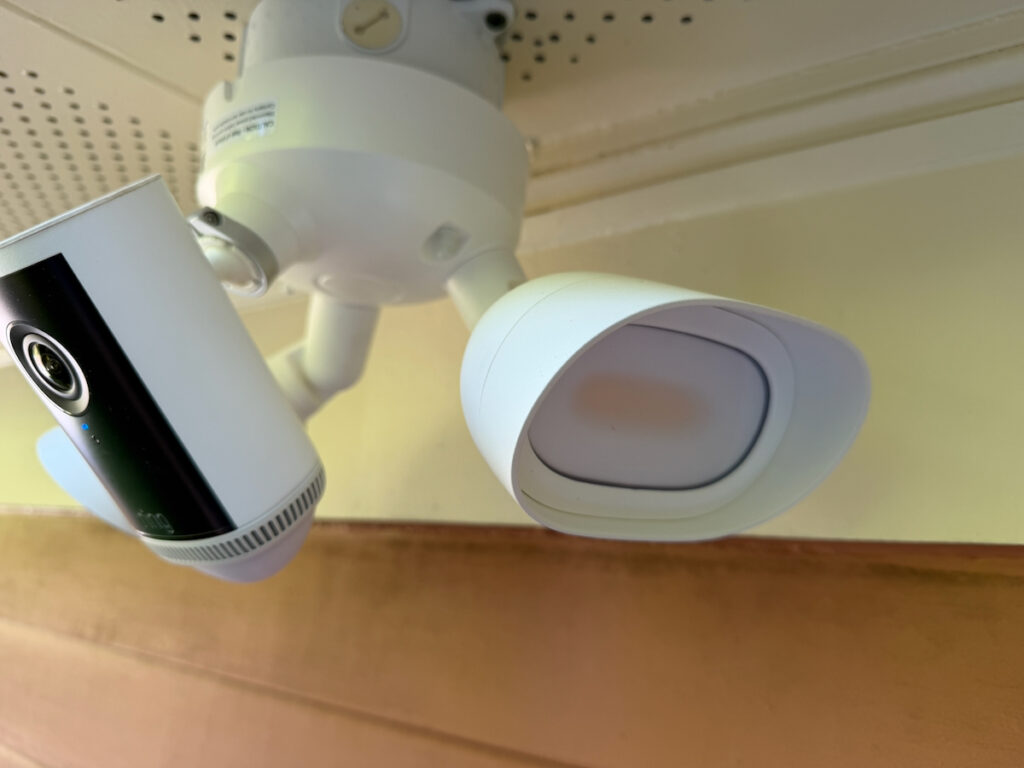
The Ring Pro combats this with dual, high-output LED floodlights (rated at 2,000 lumens and 3000K warm white) and a built-in remote-activated 85dB siren to scare intruders away.
The 4K sensor, you’re lighting up the entire work van or driveway and capturing enough detail to actually give the police something useful. If you’ve got expensive tools in the bed of your truck or a job site trailer parked in the driveway, this is the unit you want watching over them.
Installation: Real-World Setup
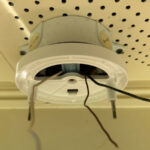
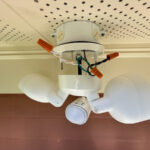
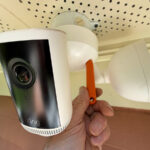
There are three steps for installation, since we reviewed a hardwired unit, you’ll need to mount to standard junction box installation.
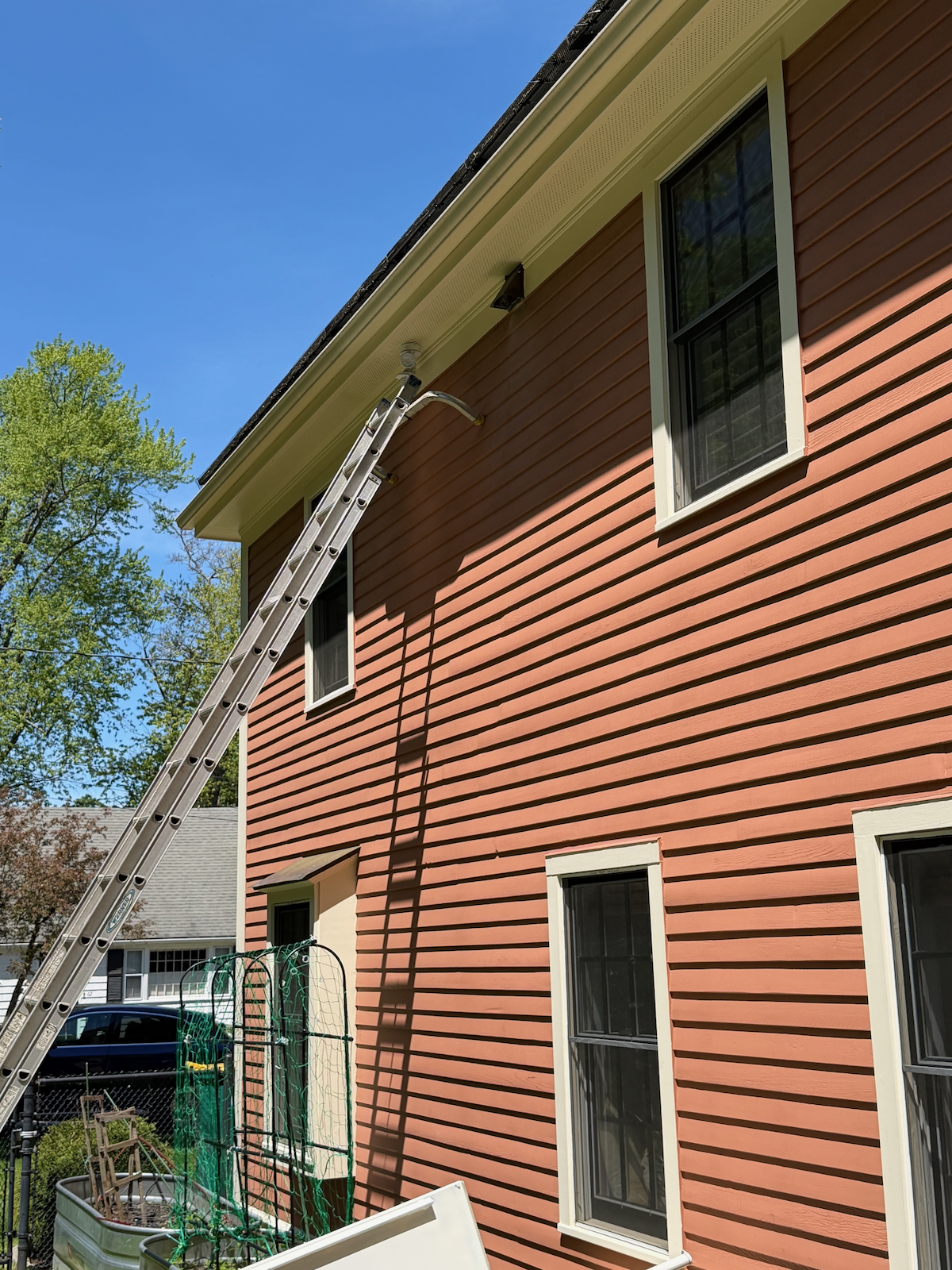
1. Swapping Out An Old Spot Light
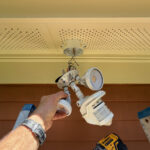
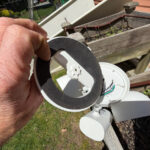
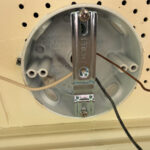
If you’re replacing an old, rusted-out floodlight, the footprint is similar. It comes with a mounting bracket that’s forgiving, but I recommend checking your junction box for corrosion while you’re up there.
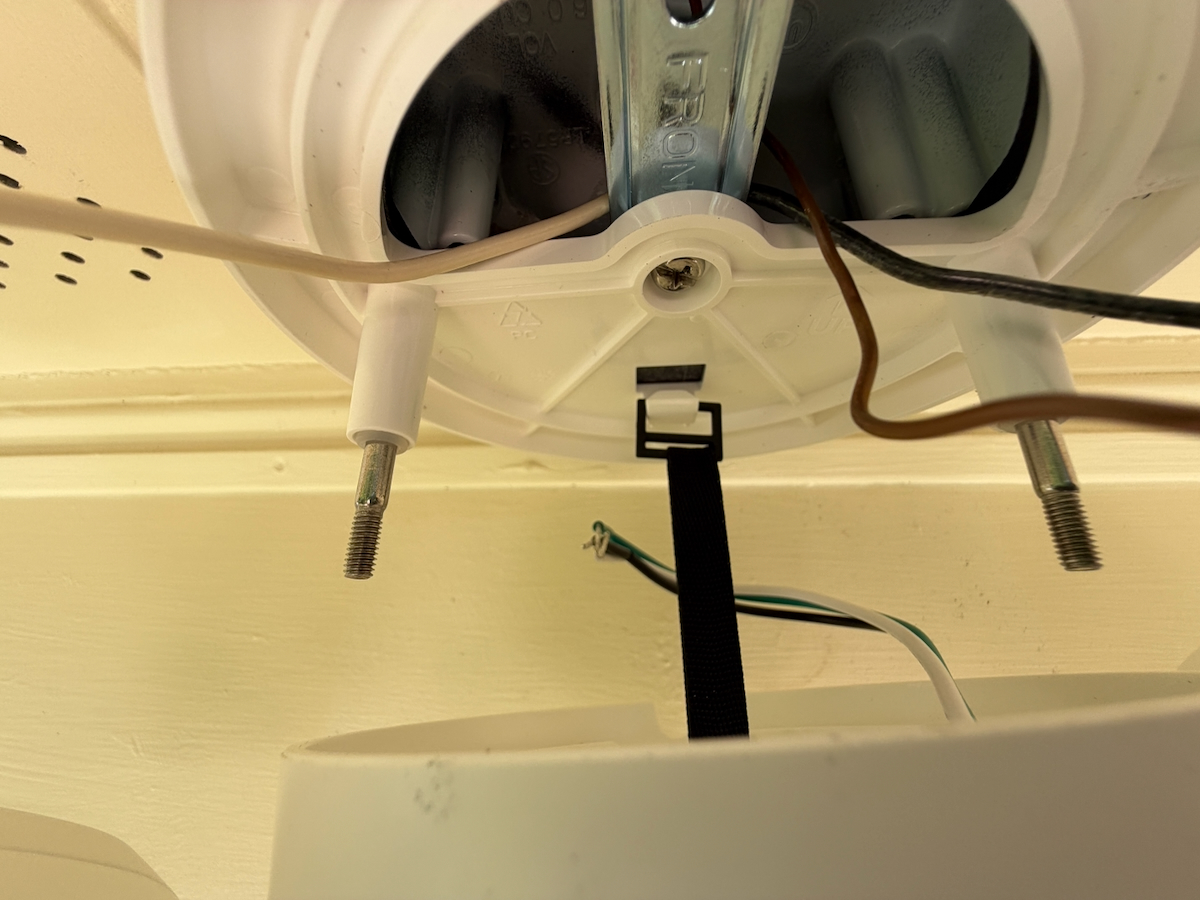
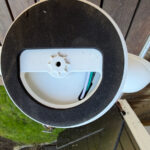
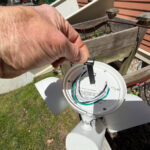
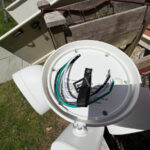
2. Ring Wiring
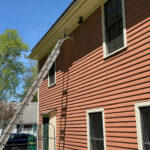
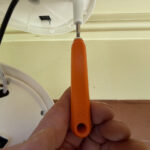
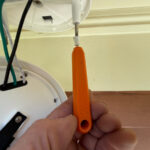
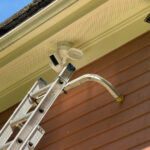
It’s a basic three-wire hookup (hot, neutral, ground). Ring includes a “S-hook” in the box so you can hang the 3.3lb unit from the bracket while you wire it—a small detail, but a “third-hand” lifesaver when you’re 12 feet up on a fiberglass ladder.
3. The App Side
Once the power is on, the setup is all digital. One thing to watch: 4K video eats up bandwidth. If your router is on the other side of the house, you might need a mesh node or a wifi extender to keep the feed from lagging.
Key Features and Performance
The unit provides actual 4K resolution, which offers significant clarity regardless of the Retinal branding used in marketing. Because it is true 4K, you can zoom in on a face or a license plate from approximately 20 feet away and the image remains sharp rather than becoming a blurry mess of pixels. Ring markets this as “Retinal 4K” (3840 x 2160 pixels) featuring 10x Enhanced
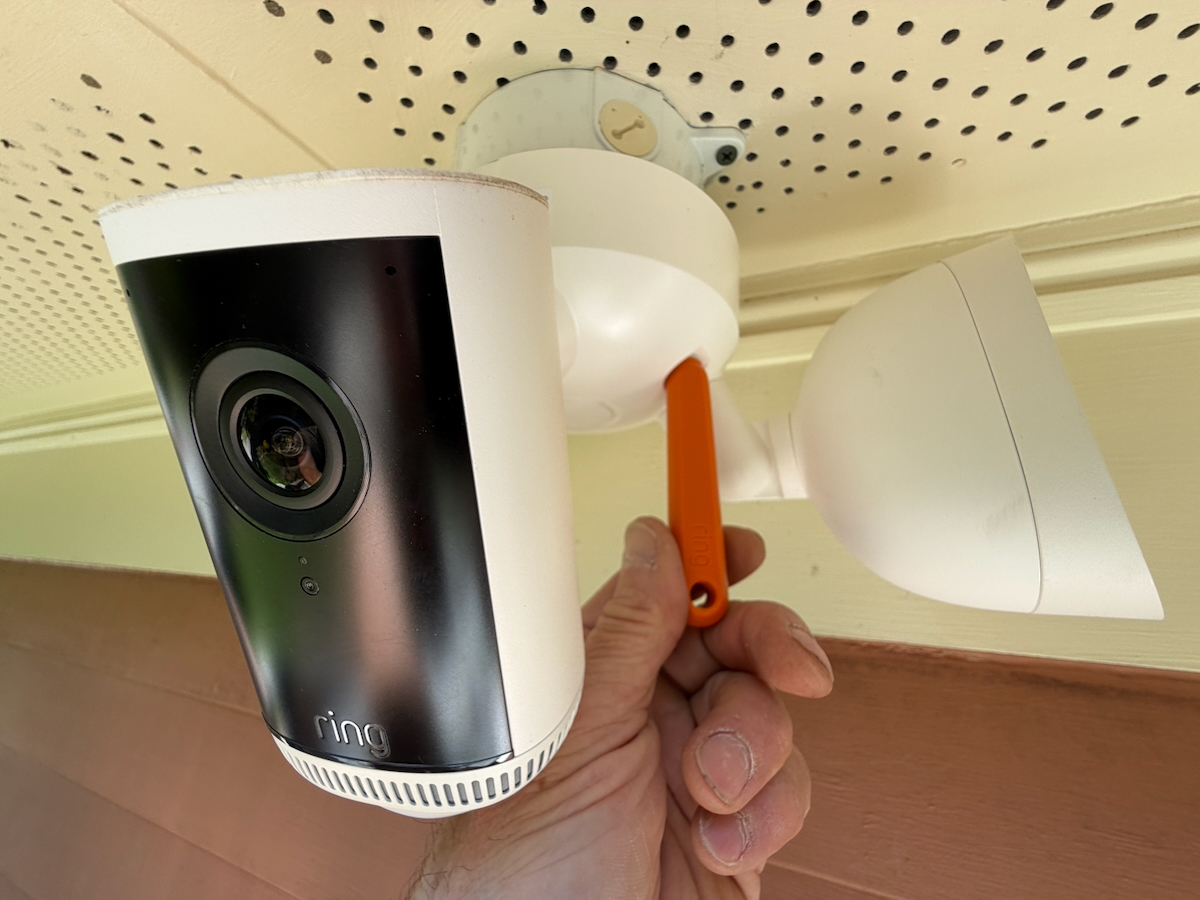
Digital Zoom.
The motion detection system uses radar to measure actual physical distance, which is a major step up from standard cameras that only monitor moving pixels. This technology allows you to set a specific perimeter, such as 10 feet from a garage, so the system only alerts you when someone physically crosses that line rather than triggering for swaying tree branches.
The integrated floodlight delivers 2000 lumens, providing ample brightness for a standard backyard. While it will not light up a stadium, it is powerful enough to eliminate dark corners and ensure anyone on the property is clearly visible under a bright spotlight.
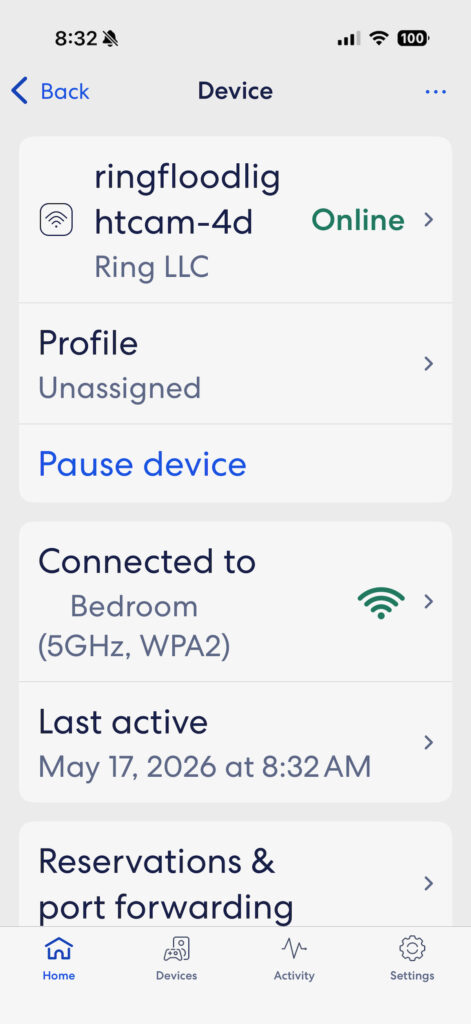
WiFi Bandwith
According to Ting the Ring Pro 4k requires
Requires a minimum upload speed of 15 Mbps for optimal performance
This is a massive leap from their older models. For context, Ring’s standard 1080p doorbells and standard floodlight cams only require 1.5 to 2.5 Mbps upload speed. Pushing the resolution to 4K multiplied their network requirements nearly tenfold.
Unlike cameras that store footage locally on an SD card, Ring relies entirely on cloud streaming. You need 15 Mbps of consistent upload headroom just for this camera to function flawlessly.
Fortunately, Ring built Wi-Fi 6 (802.11ax) into this 2nd Gen unit. If you pair it with a modern Wi-Fi 6 mesh router system, it handles the data load much more efficiently than older routers.
Note on Multiple Cameras vs. Mbps:
If you plan on buying two or three of these units to cover your driveway, backyard, and side yard, you are looking at a required 30–45 Mbps of continuous upload bandwidth.
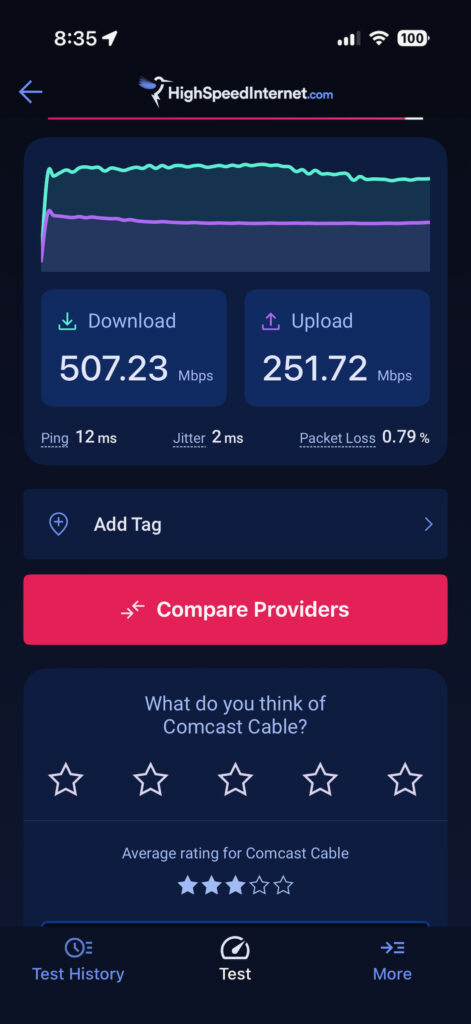
How To Check Your WiFi Pre-Purchase
Your bandwidth is the only reason you may not be satisfied with the Ring PRo Gen. 2. Here is a 3-step checklist before you buy:
Outdoor Test:
Stand exactly where the camera will be installed and run a mobile speed test. If the upload speed is under 15 Mbps at that precise spot, the 4K video feed will stutter.
Upload Cap:
4K cloud streaming demands 15 Mbps of headroom per camera. Multi-camera setups will easily choke standard household networks and require premium cable or fiber internet plans.
Wall Barriers:
High-speed 5GHz Wi-Fi cannot easily pierce brick, concrete, or stucco exterior walls. Unless the router sits directly on the other side of the wall, buyers must budget for a Wi-Fi 6 mesh node nearby.
Recording
In order to have 180 days of recording event history you will need to purchase a Ring Protect Plan [subscription plan] which is $19.99/month or $199.99/year.
Here’s What The Plan Offers:
- 180-day video event history – access to recorded events for up to 6 months
- Advanced AI features powered by Alexa Guard including Smart Video Search, Video Descriptions, and Familiar Faces
- Multi-camera support – all your devices at one location covered
- 24/7 Professional Monitoring – emergency response when your system is triggered
- AI Single Event Alert – intelligent notifications focused on what matters
Price
You’re going to pay a premium for this—usually around $250. It’s the most expensive outdoor camera in their lineup. You also have to factor in the monthly subscription if you want to save your footage. For a pro shop or a home with high-value gear, that $5-10 a month is basically a cheap insurance policy for your peace of mind.
Final Take: Is It Worth It?
We think it is!
The Ring Floodlight Cam Pro (2nd Gen) isn’t for the casual user who just wants to see when the mail arrives. This is a heavy-duty security tool. The build quality is solid, the integration with the radar is a massive time-saver for filtering out junk alerts, and the 4K clarity is the best we’ve seen on a consumer unit. If you’re already in the Ring ecosystem and need to lock down a perimeter, this is the one to get.